
Admiral Shark registration, login and verification in the UK
Welcome to a safe place to play casino games and place bets in the United Kingdom.
Admiral Shark registration is quick and gives you access to deposits, real-money games and withdrawals.
Sign in is needed to play or bet, and verification protects your account and helps ensure your payouts are sent to you.
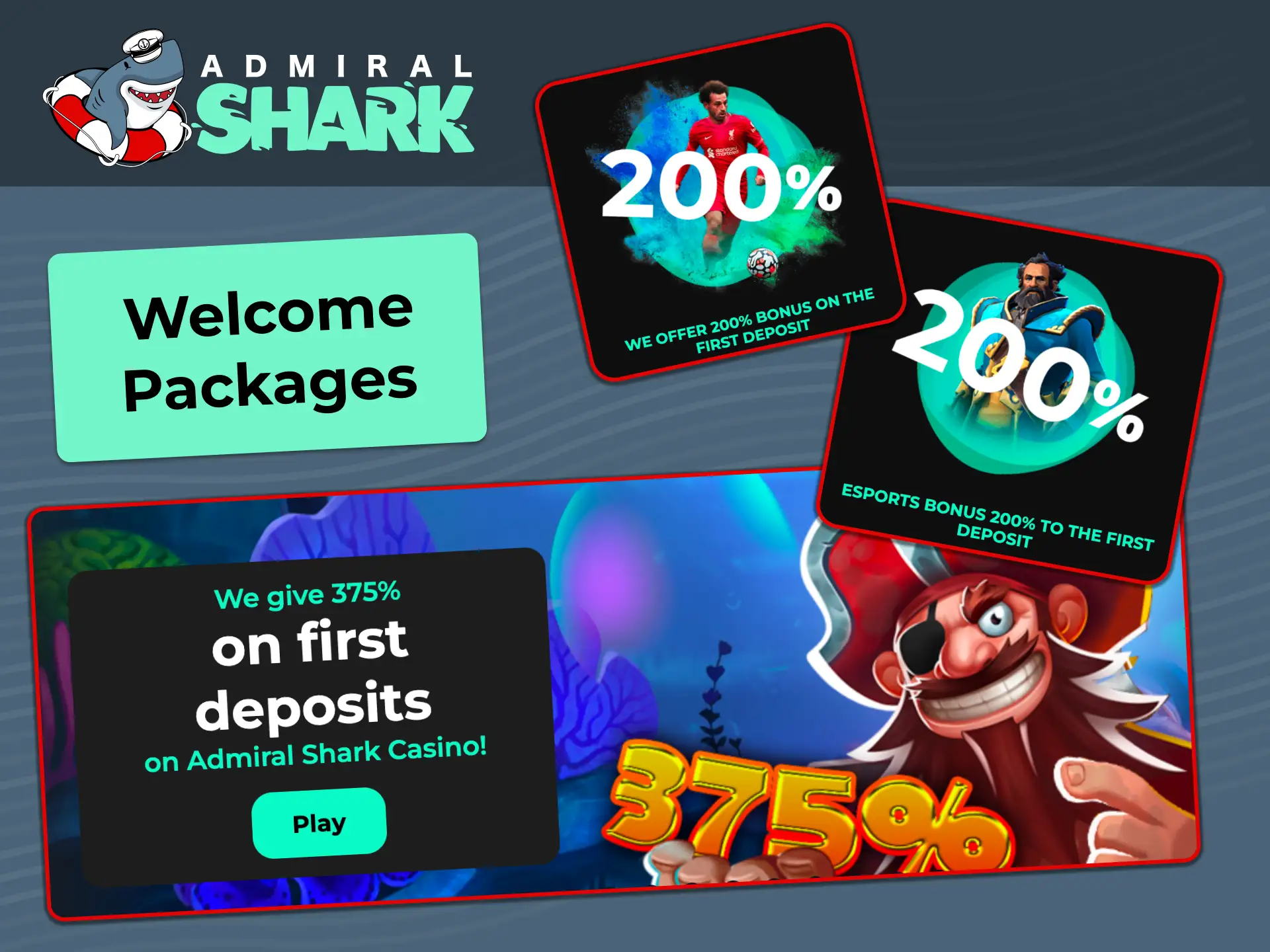
Use the website or the mobile app, get help any time, and enjoy the welcome packages: casino up to 375%, sports up to 475%, esports up to 475%.
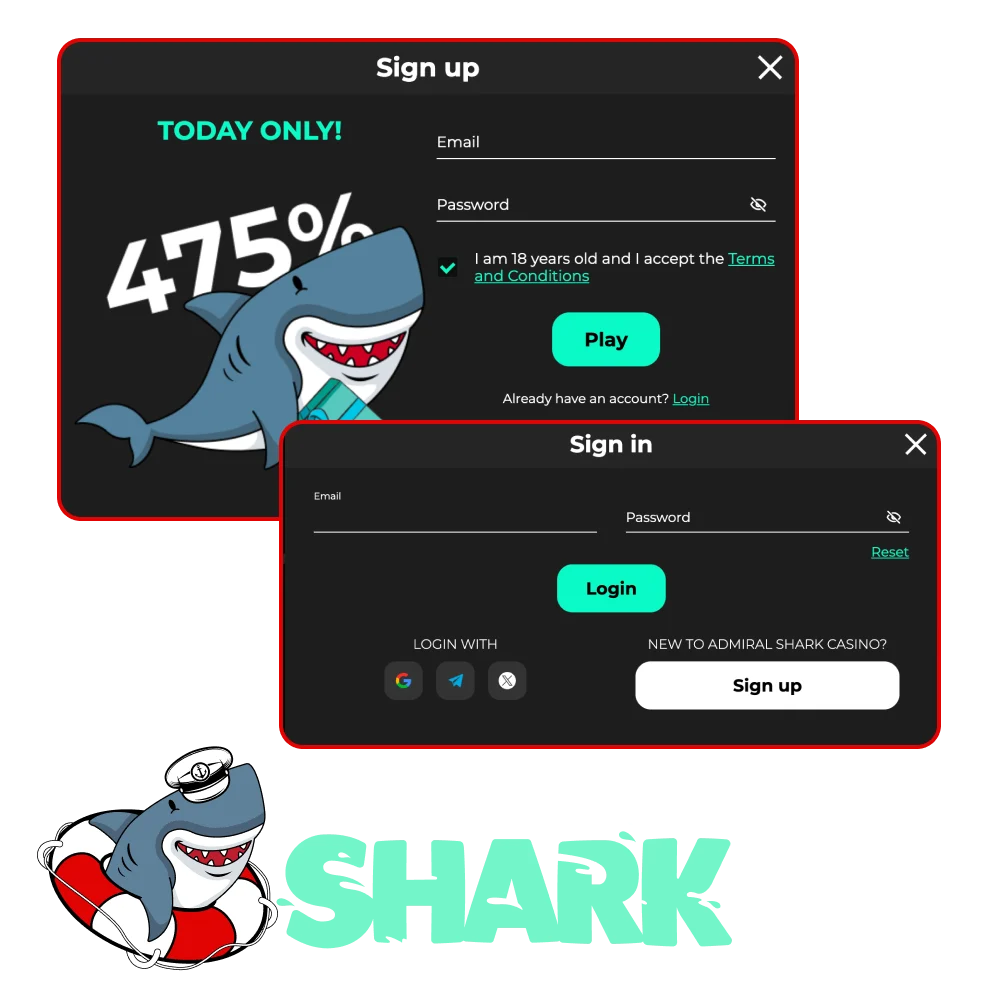
How to sign up and create your account
You can register online in minutes. To start, use the Admiral Shark sign up form on the official website.
Start
Click the button below to open the registration form.
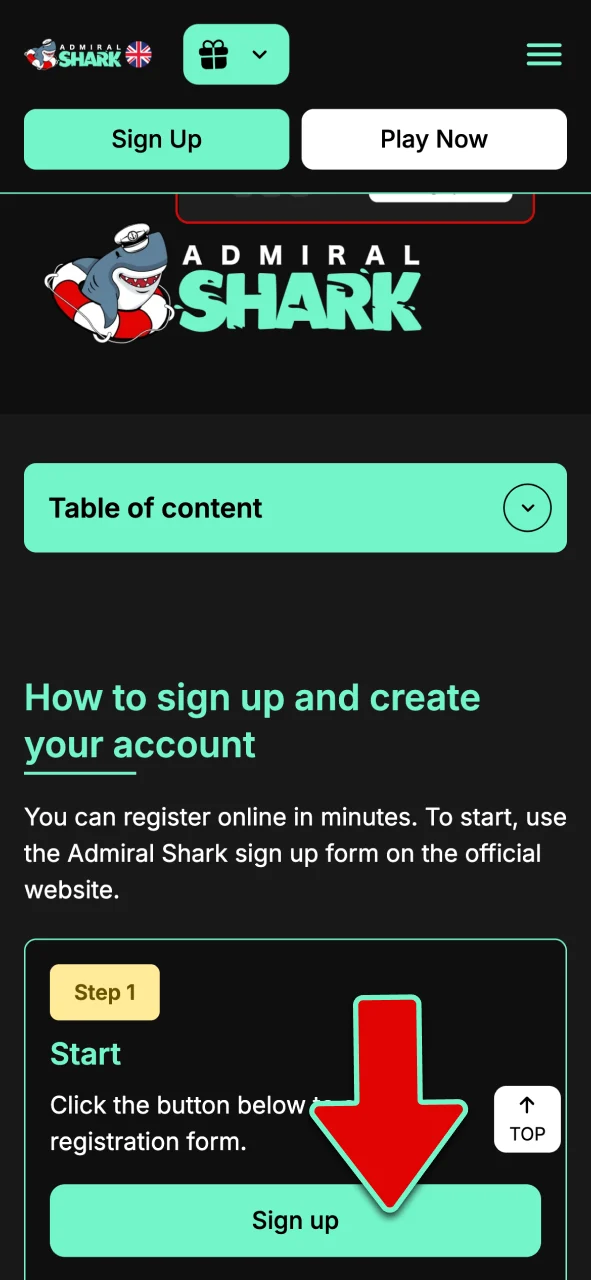
Choose method
Email and password, mobile number, or social sign in (Apple or Google) if available.
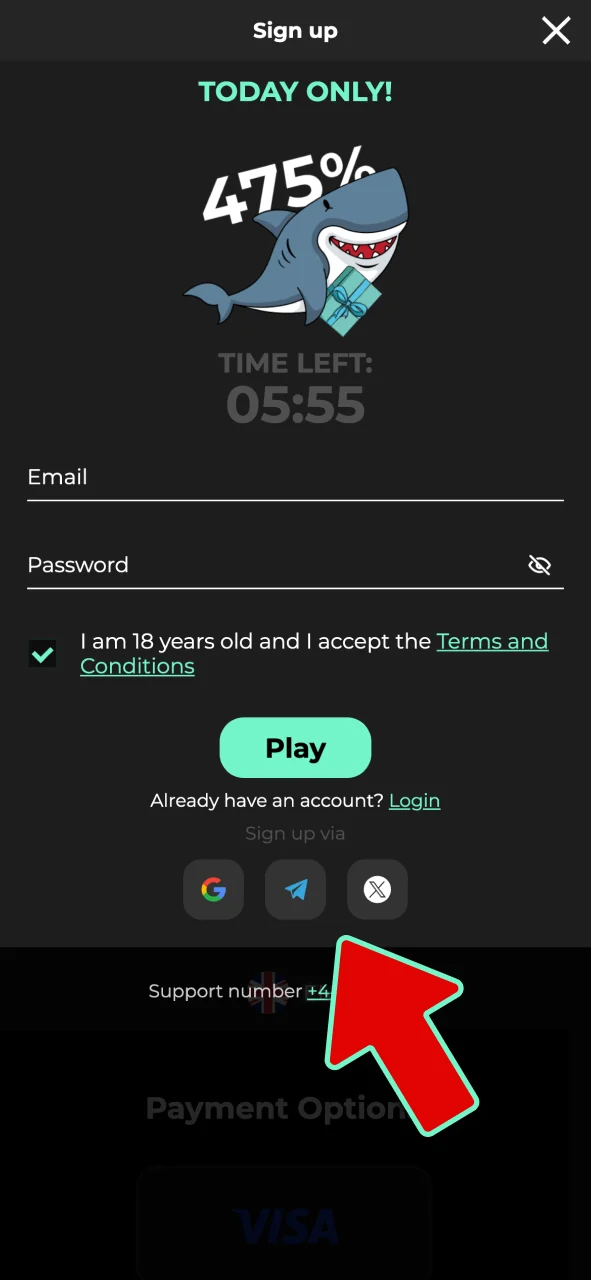
Provide details
Full name, date of birth, UK address, currency, and preferences.
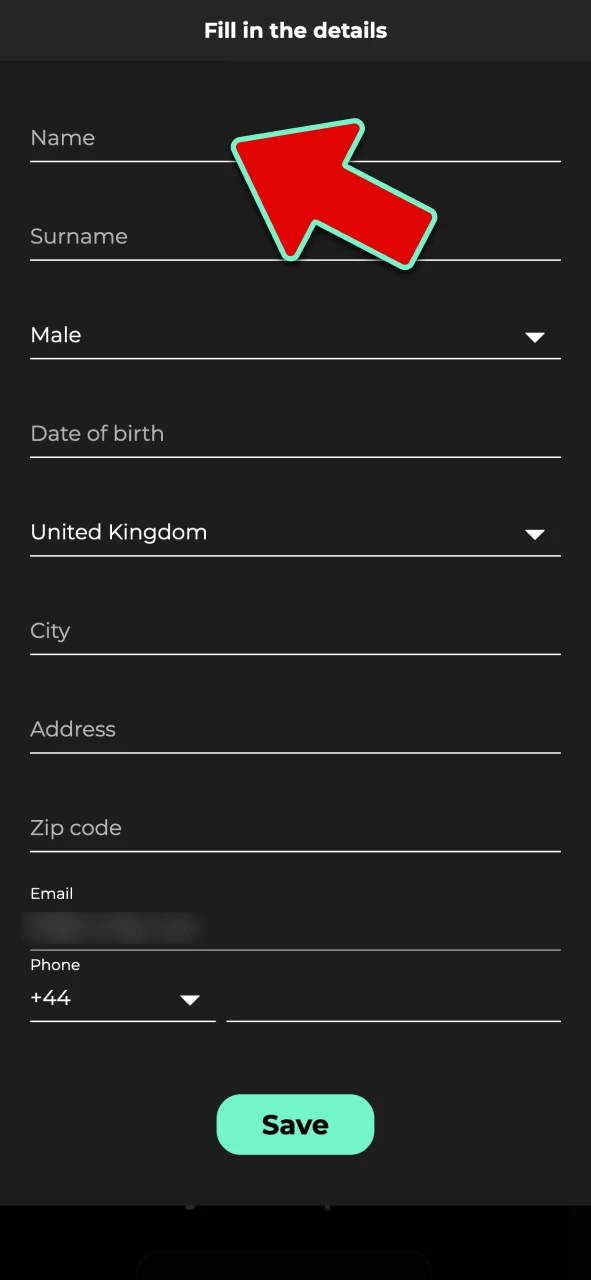
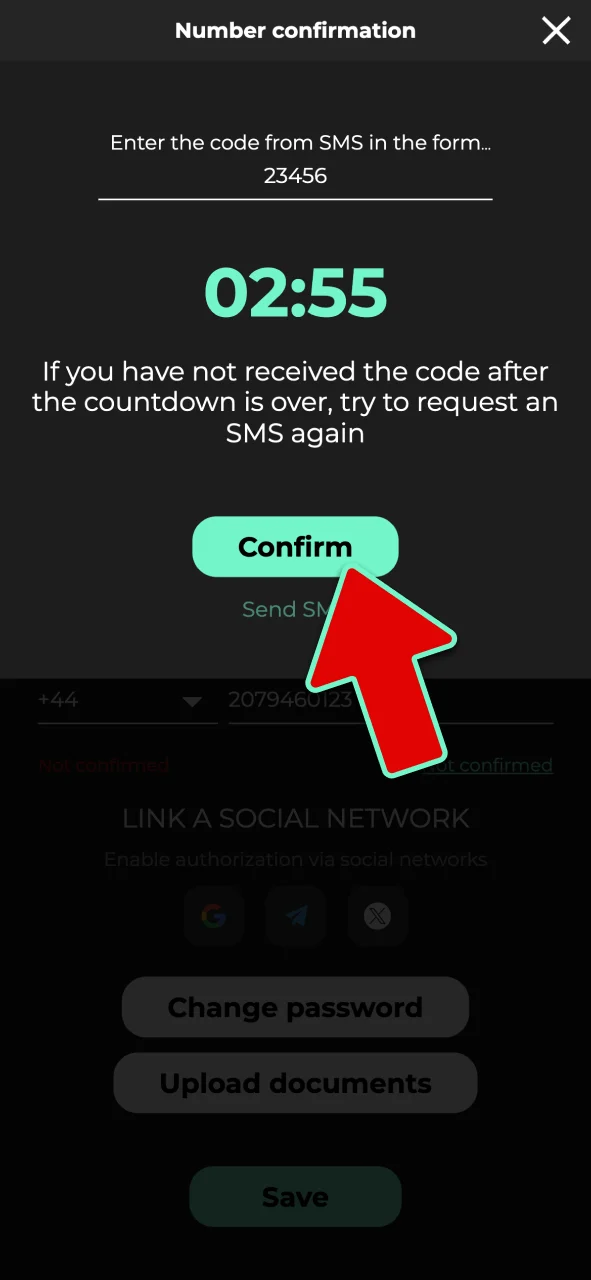
Confirm contact
Enter the email or SMS code to verify your contact.
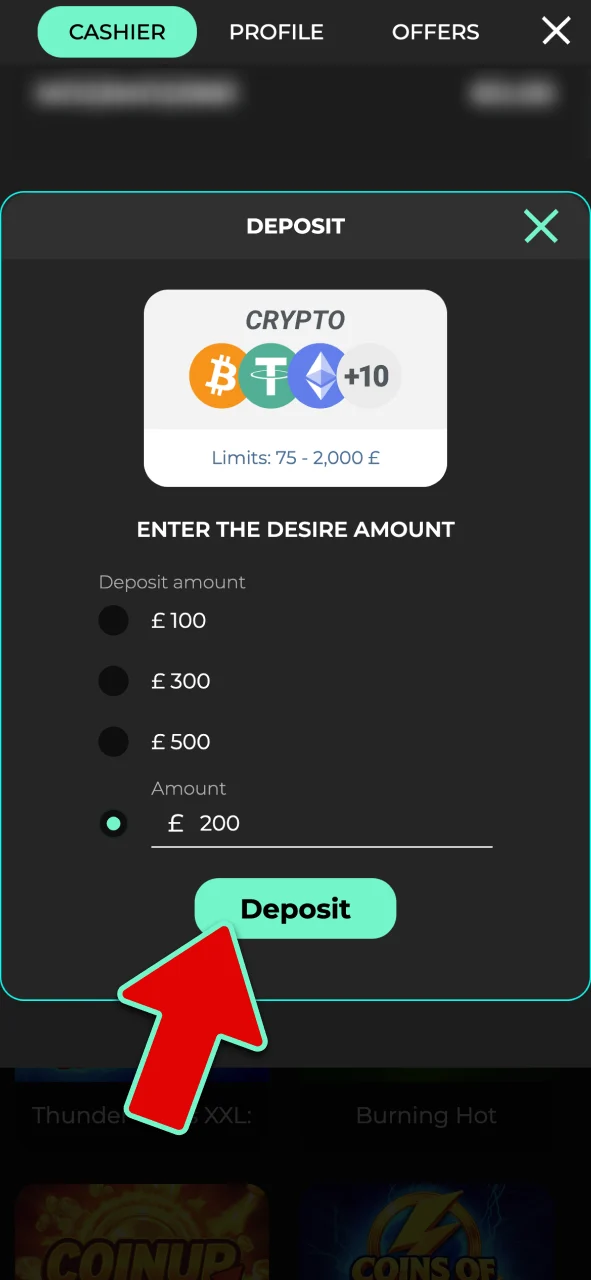
Set controls
Add deposit limits and make your first deposit if you plan to claim a bonus.
Sign up on the mobile app
Registration in the app follows the same process as the website. Use the Admiral Shark app to create your account on mobile.
Open app
Tap Register on the home screen or menu.
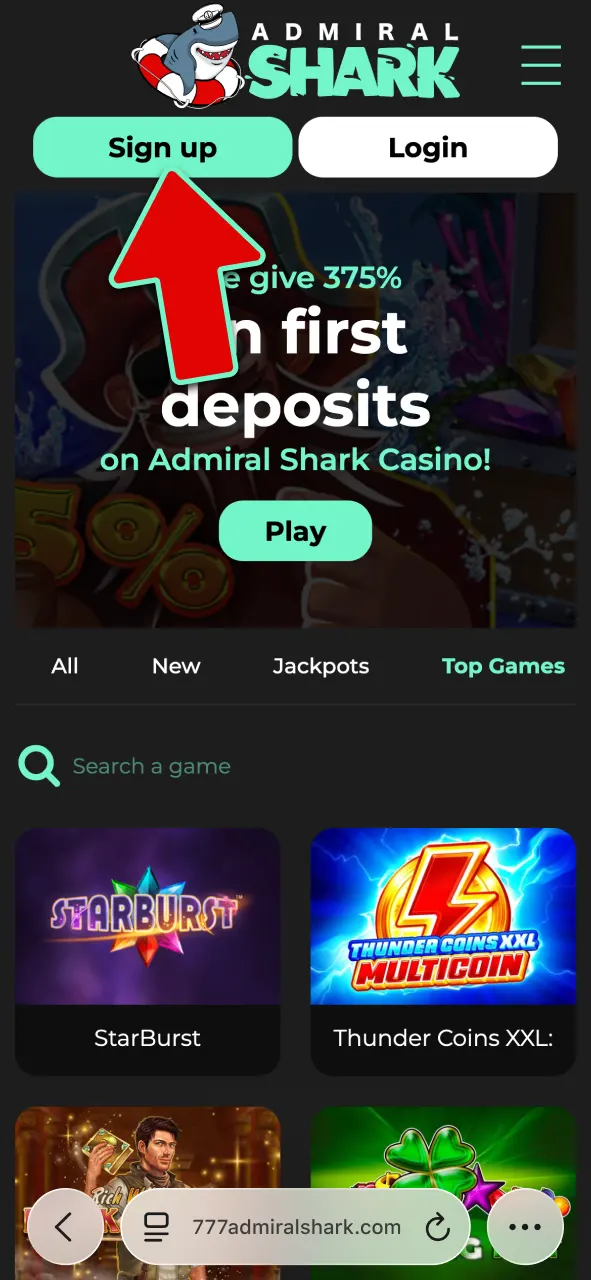
Pick method
Email, mobile number, or social sign in (Apple or Google) if available.
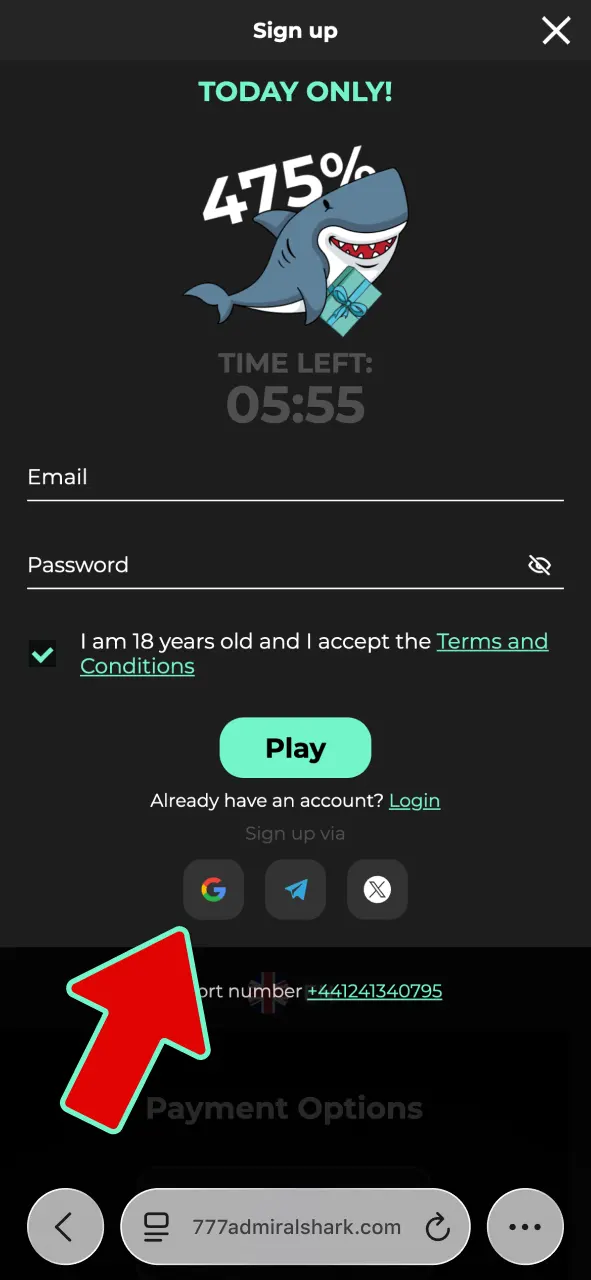
Enter details
Name, date of birth, UK address, and password.
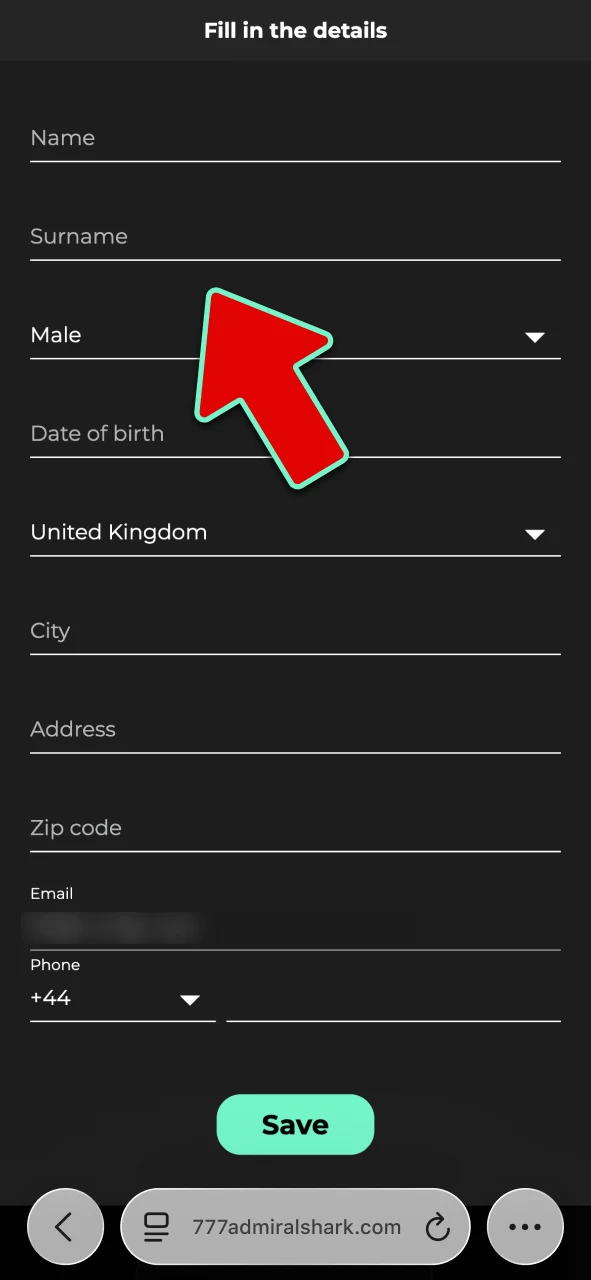
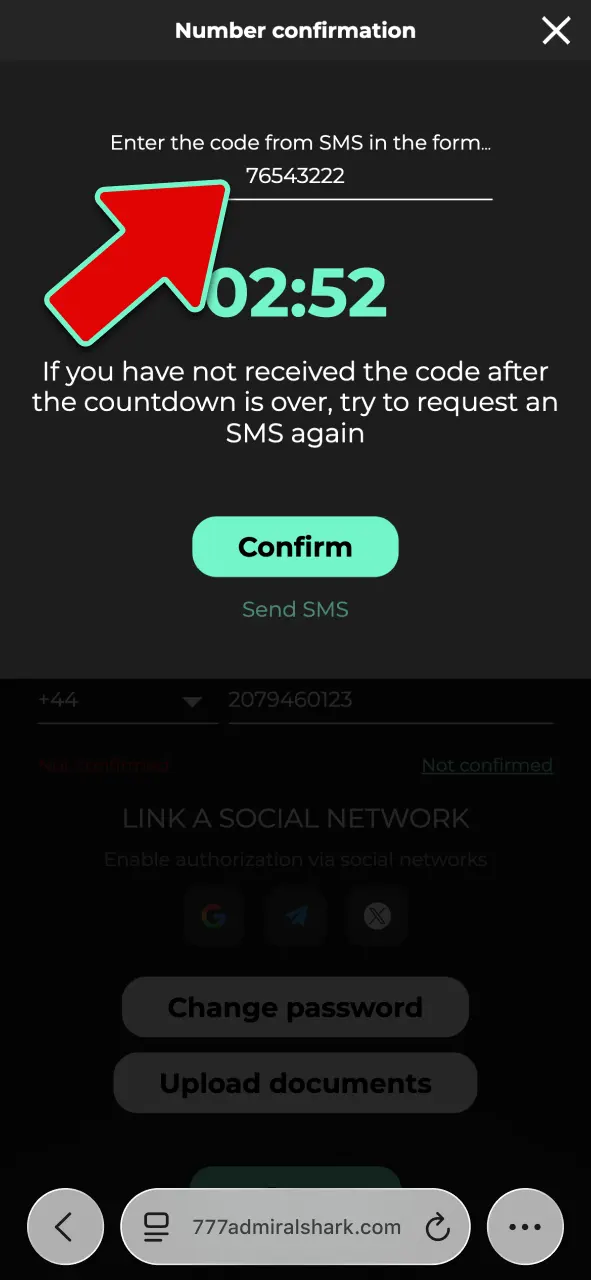
Verify
Approve the email or SMS code when prompted.
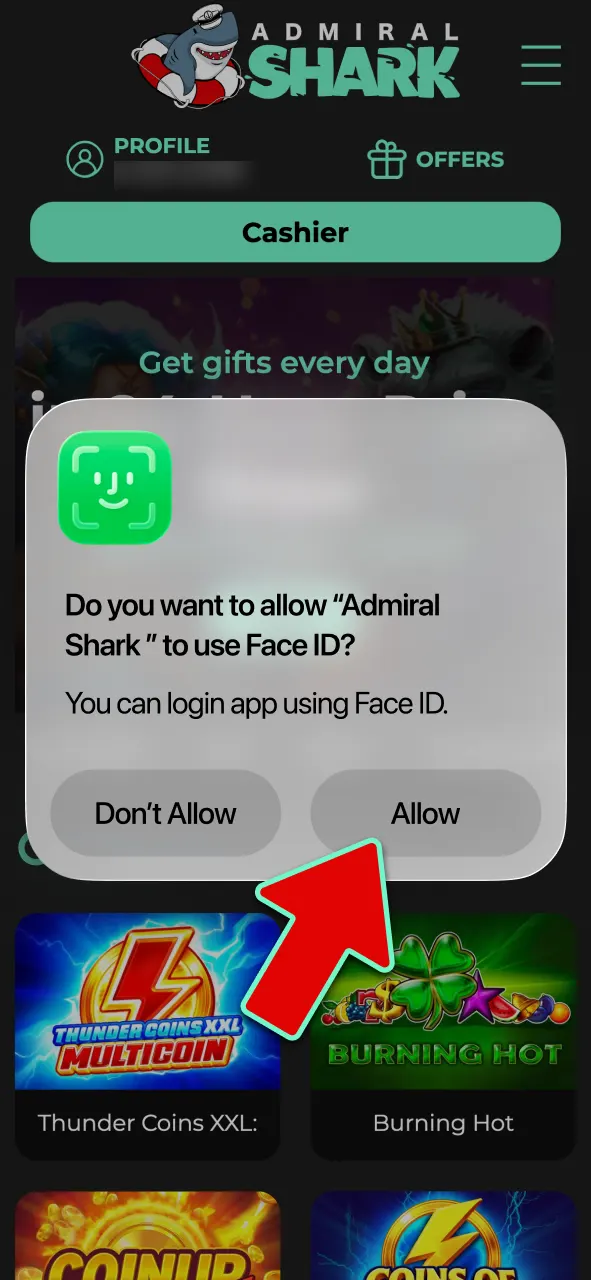
Secure access
Enable Face ID or fingerprint, set deposit limits, and proceed to your first deposit if claiming a bonus.
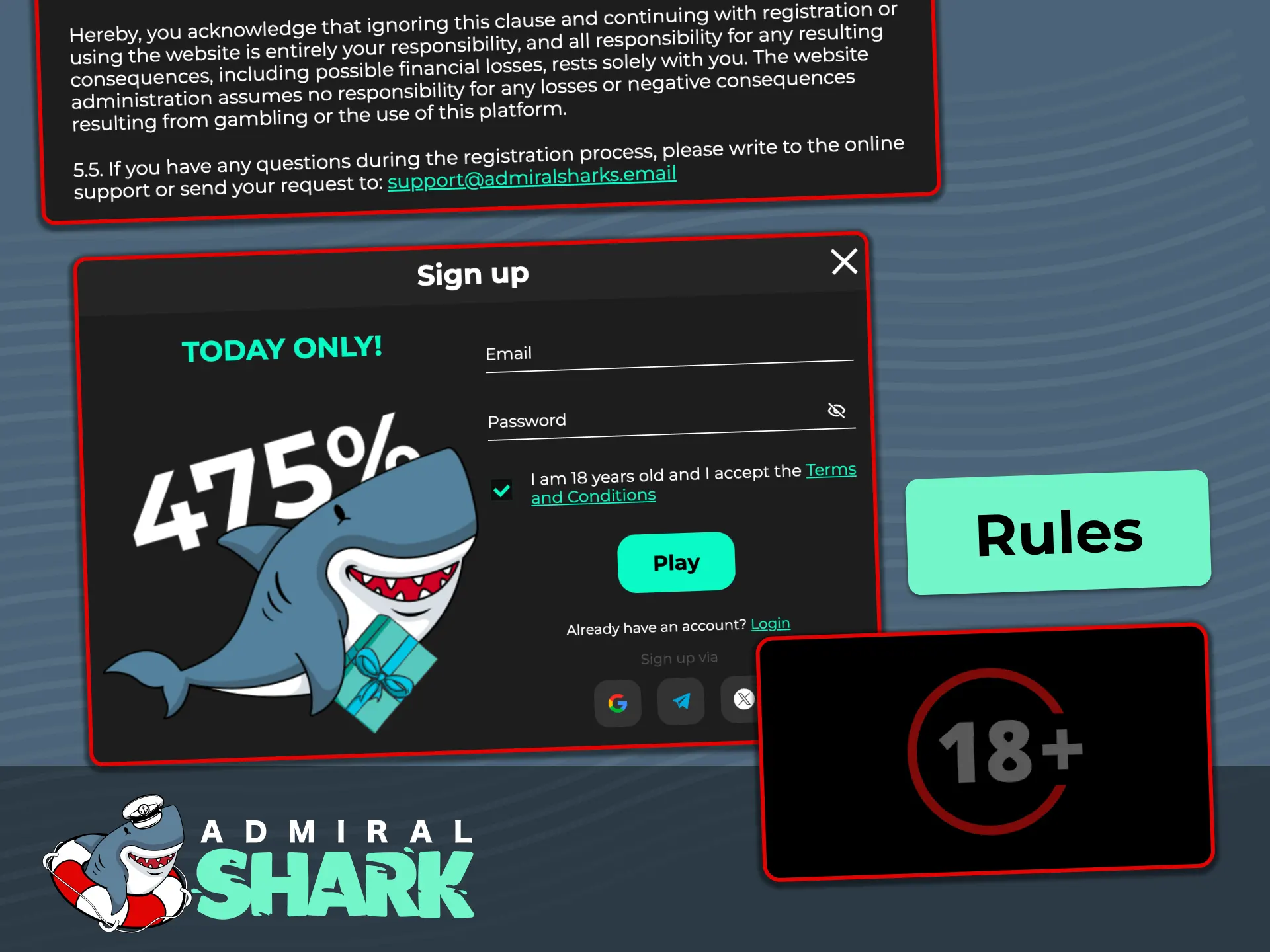
Who can register: rules for UK users
Registration is for adults who meet UK gambling rules. Use your own, accurate personal details. You must be in the United Kingdom to place bets or play for real money. Documents may be needed to verify your identity, address, and payment method. Only one account is allowed per person.
- Age 18+: You must be at least 18 years old.
- True details: Provide your legal name, date of birth, and current UK address.
- One account: Do not create more than one account per person or household.
- Location: You need to be physically in the UK to gamble for real money.
- Payment ownership: Use payment methods held in your name; third-party use is not permitted.
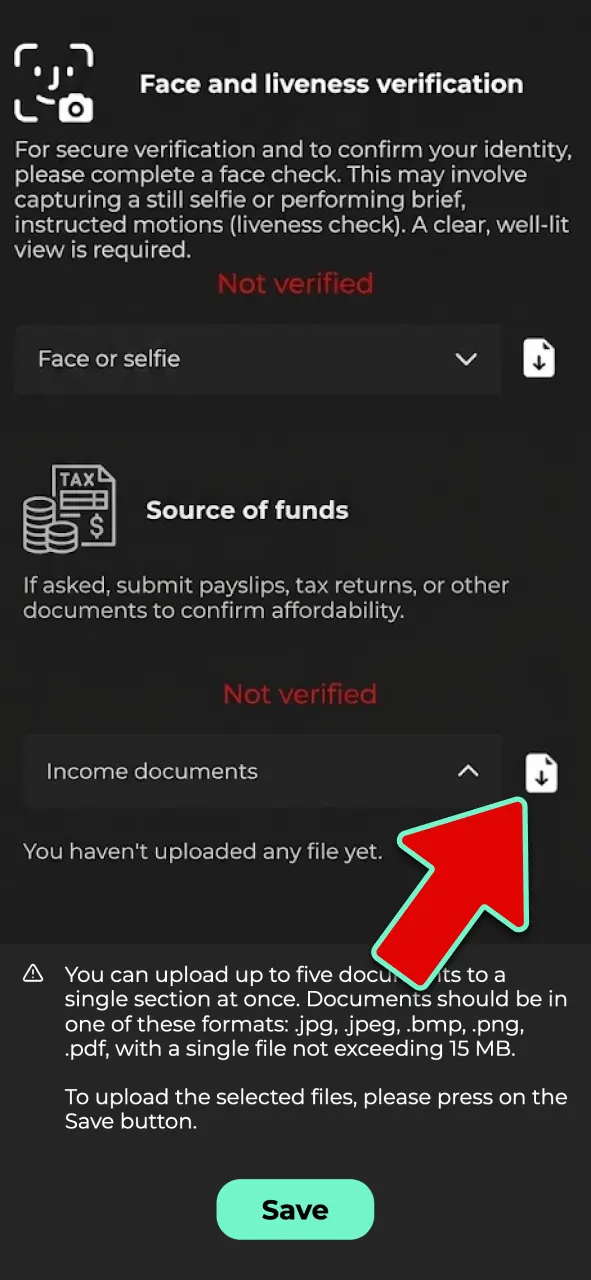
KYC: account verification steps
Admiral Shark account verification is required under UK rules to confirm your identity and age. Verification enables deposits and withdrawals and helps protect you from unauthorised access. The process is digital and usually quick once clear images are provided.
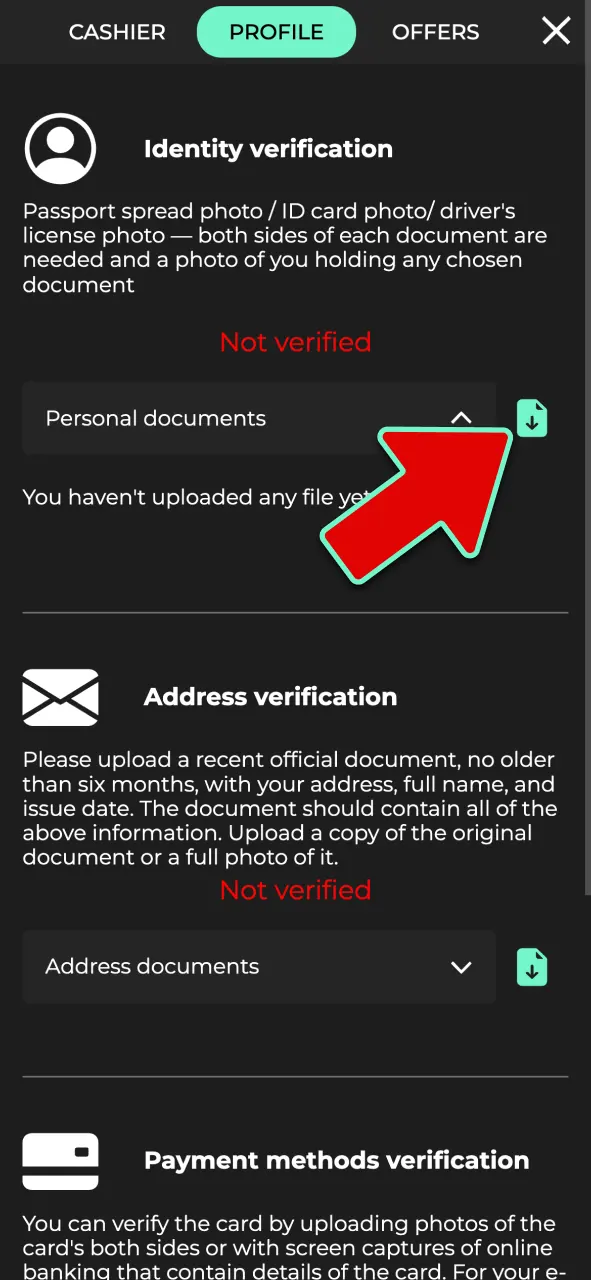
Identity check
Upload a valid passport, UK driving licence, or national ID.
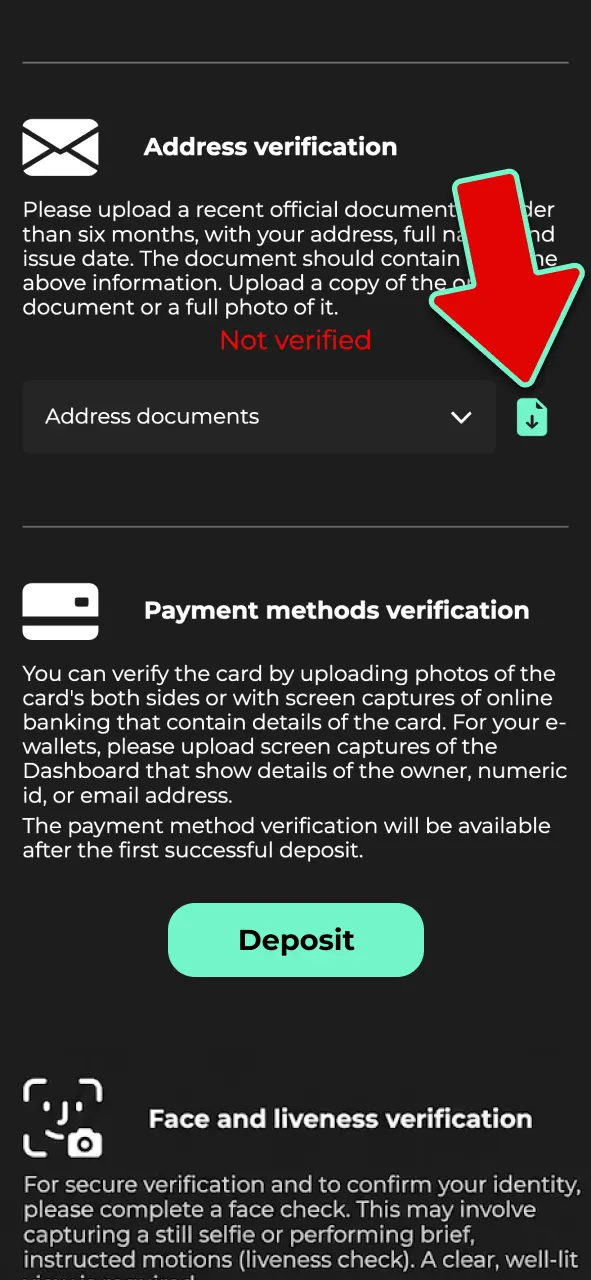
Address check
Provide a recent utility bill, bank statement, or council tax letter (dated within 3 months).
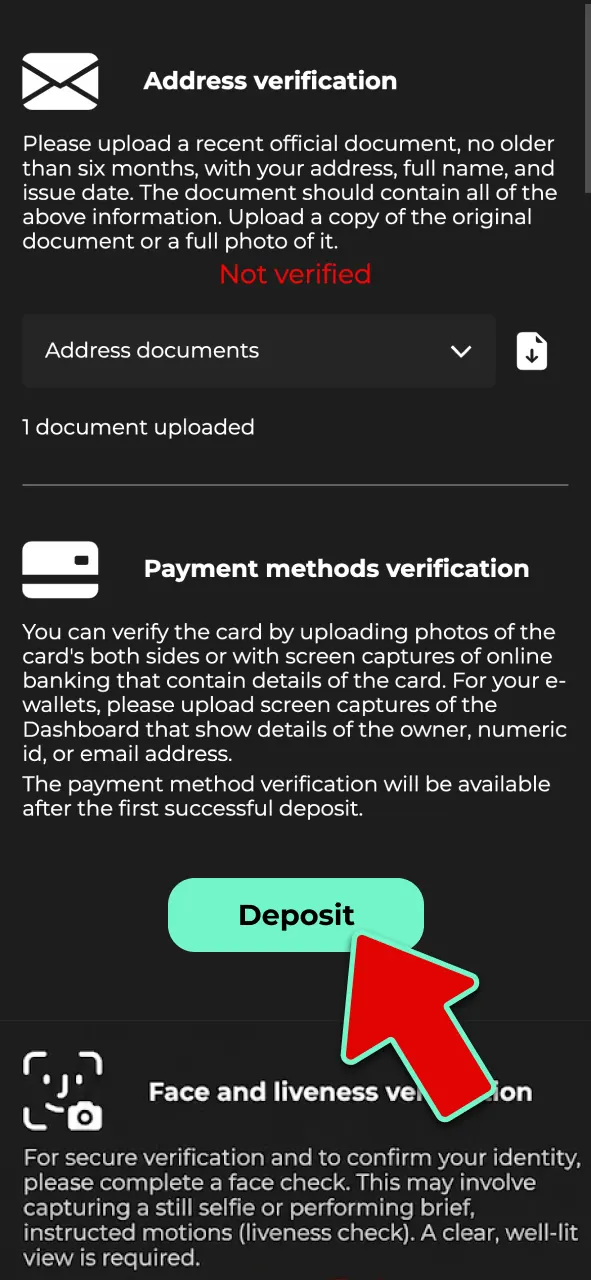
Payment method
Show the card (mask middle digits), bank statement, or e-wallet screenshot proving ownership.
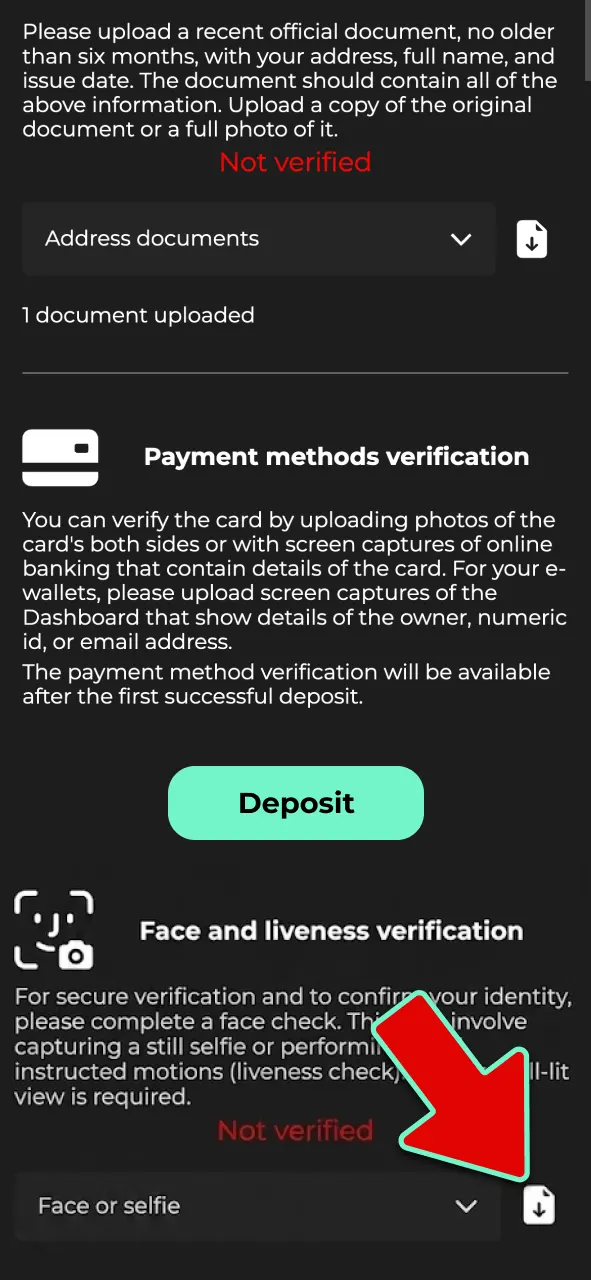
Liveness/selfie
Take a selfie or short video to match your ID if requested.
Source of funds
If asked, submit payslips, tax returns, or other documents to confirm affordability.
How to sign in to your account
Use the Admiral Shark account login to access games and bets on any device. Keep your details safe and do not share your password.
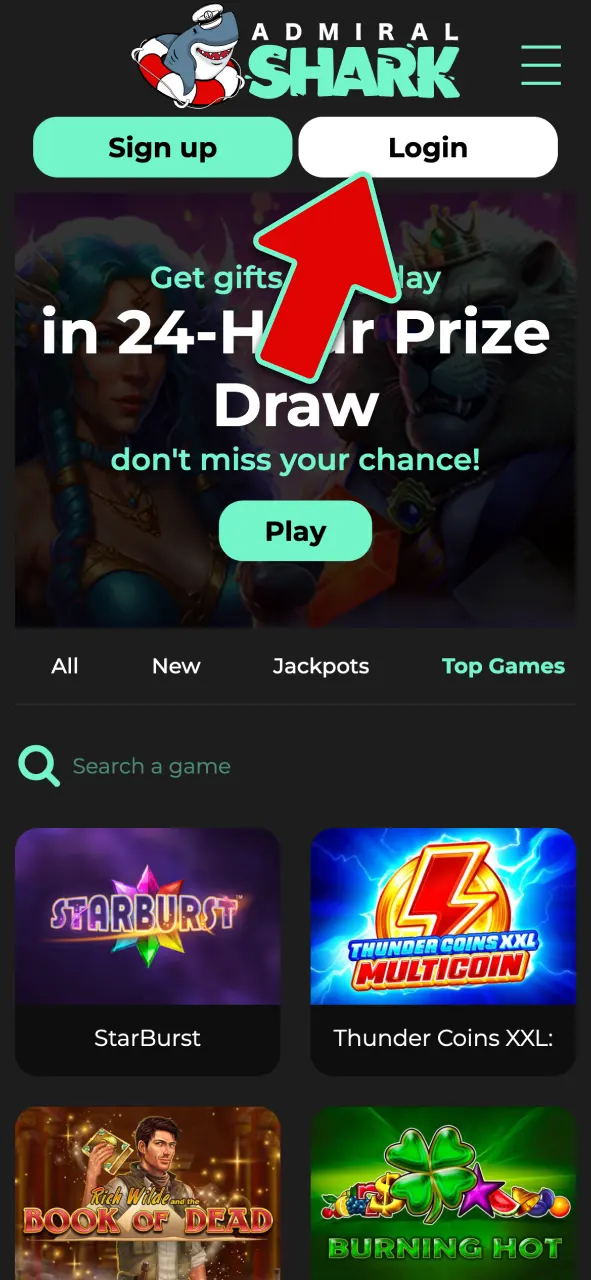
Open sign in
Select Sign in at the top of this site.
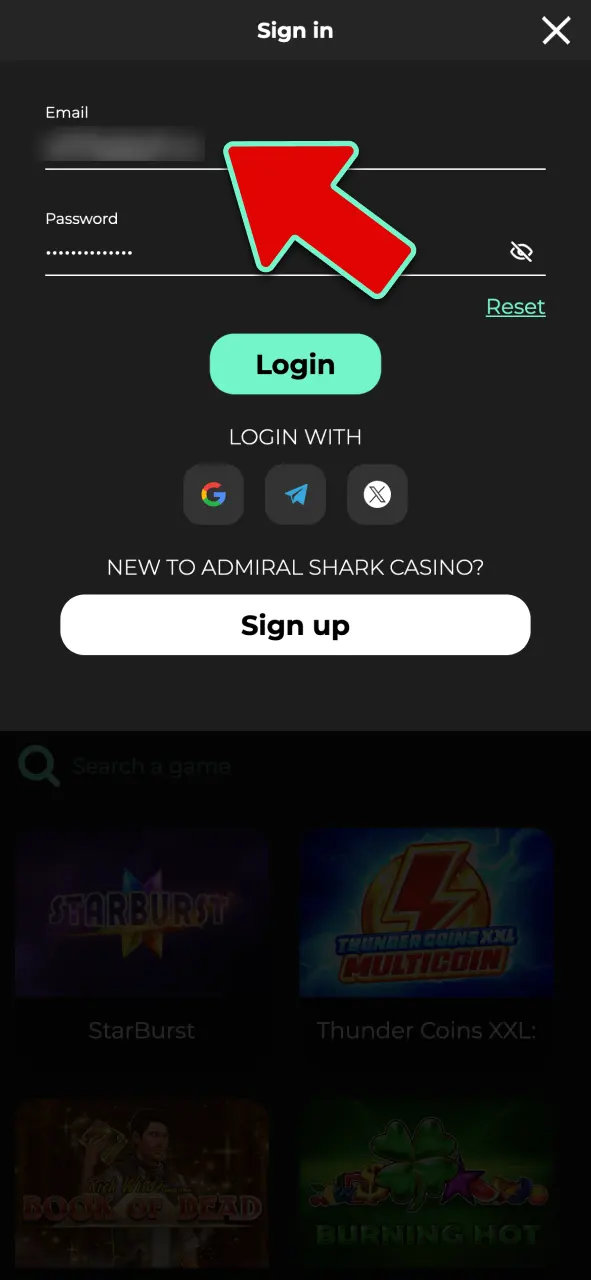
Enter credentials
Use your email or mobile number and password, or choose Apple/Google if you registered that way.
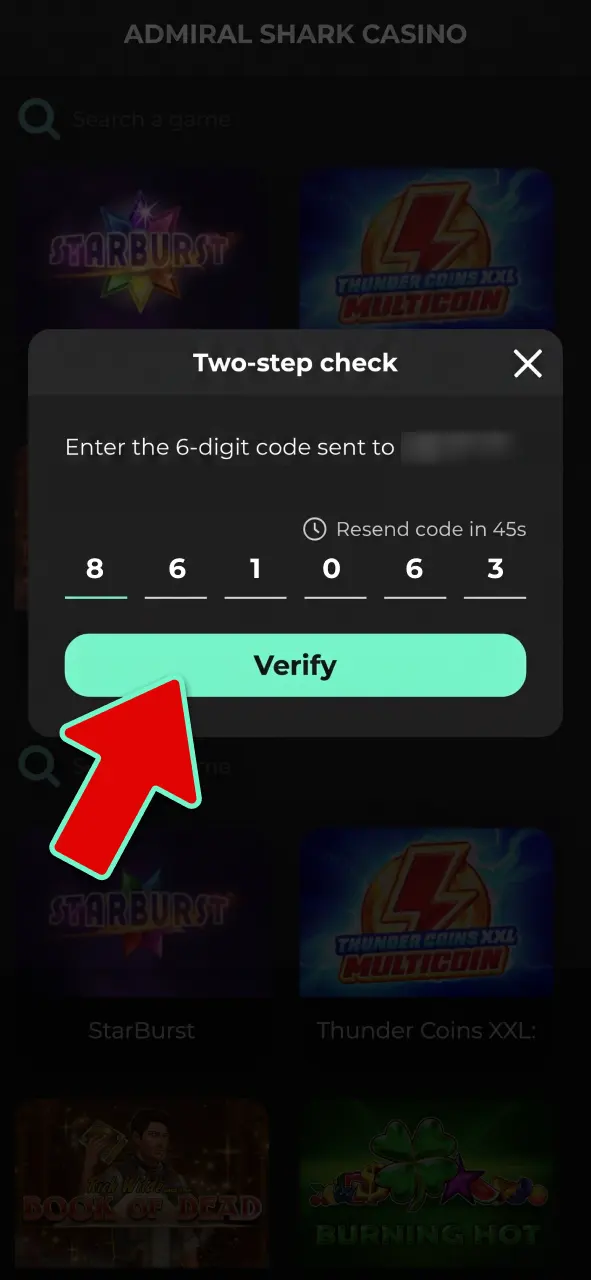
Confirm security
Complete 2FA if enabled and press Sign in.
Welcome packages after you register
After you register, Admiral Shark offers welcome packages for casino, sports, and esports. Terms apply to each offer; always read the rules before depositing.
-
Casino package (up to 375% total):
- Bonus amount: Up to 375% across your first deposits; the exact split is shown on the Promotions page.
- Minimum deposit: From £10 (check the offer terms for your chosen method).
- Wagering requirements: Detailed in the offer; slots usually contribute 100% unless stated.
-
Sports package (up to 475% total):
- Bonus amount: Up to 475% across eligible first deposits; details shown during deposit.
- Minimum deposit: From £10 (see the offer page).
- Wagering requirements: Set in the terms; eligible markets, odds and time limits apply.
-
Esports package (up to 475% total):
- Bonus amount: Up to 475% across eligible first deposits; see Promotions for the split.
- Minimum deposit: From £10 (as shown in the offer).
- Wagering requirements: Listed in the terms; market, odds and time rules apply.
Always check game or market eligibility, expiry times, and cap on winnings. Bonus availability can change; the Promotions page shows the latest details.
Steps to claim your welcome bonus
You can claim your bonus during or after registration on the deposit screen. Here is the simple process.
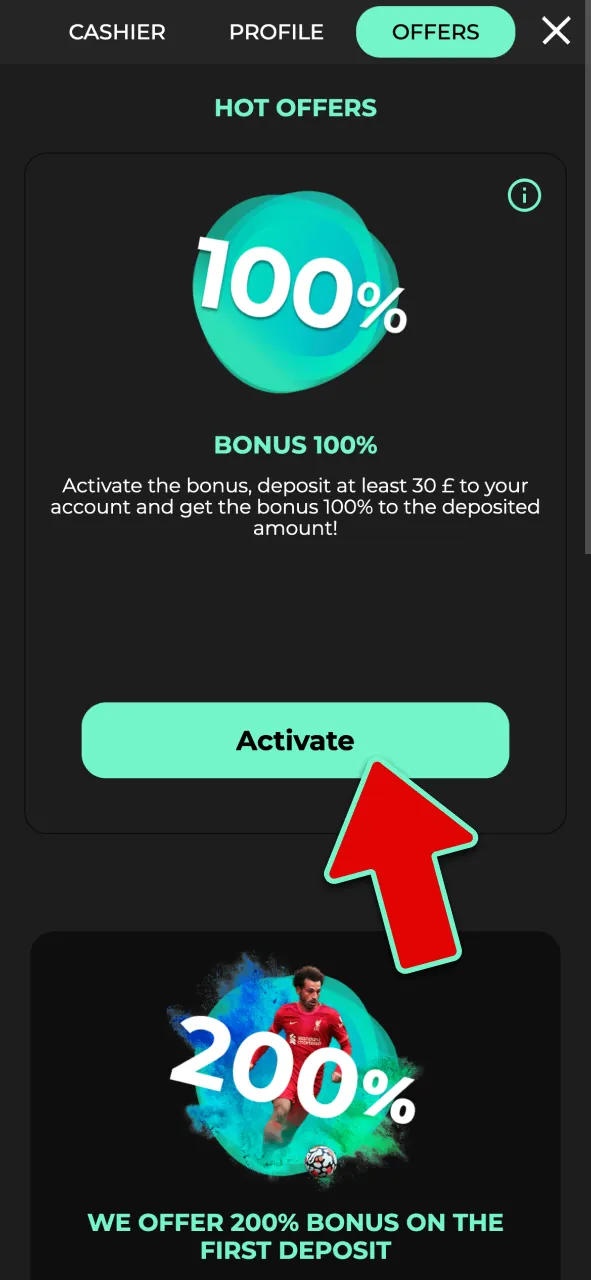
Opt in
Tick the bonus box or select the welcome package.
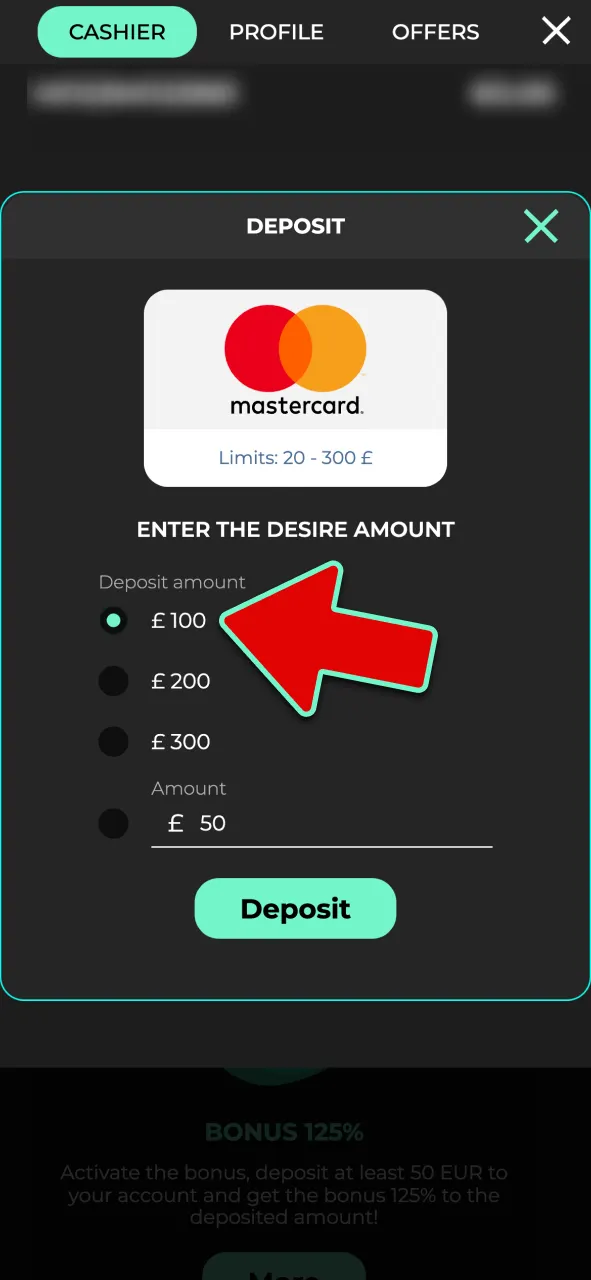
Deposit
Meet the minimum deposit shown in the offer.
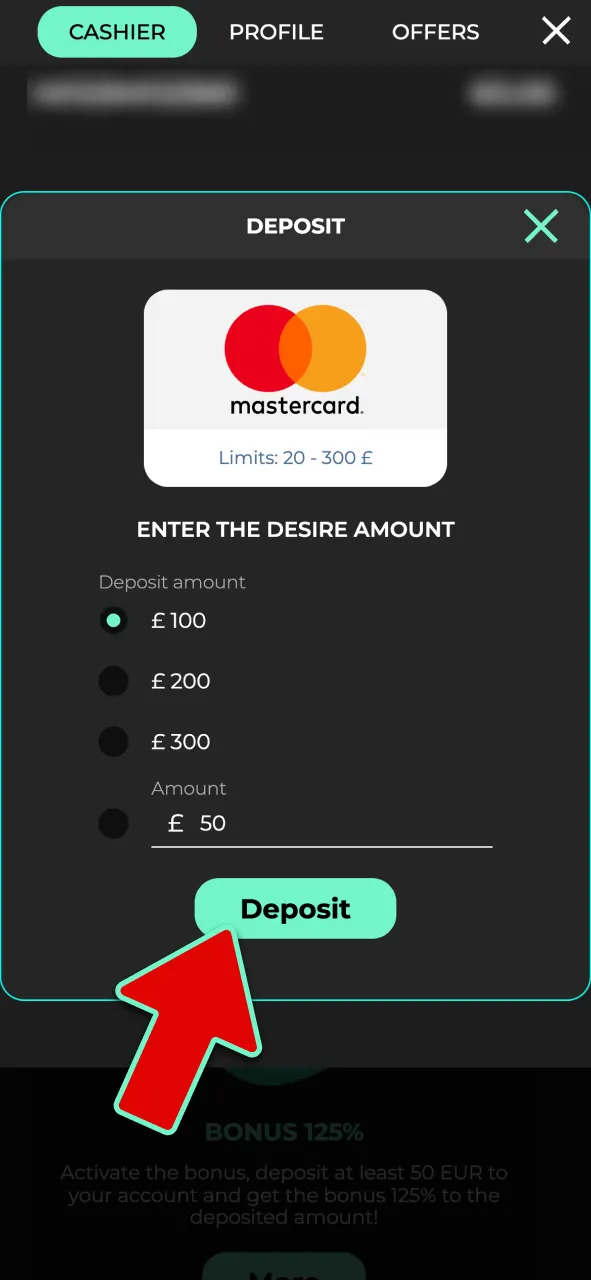
Confirm
Complete the payment and wait for the bonus to appear in your balance.
Play through
Follow wagering, game eligibility, and time limits to convert bonus funds.
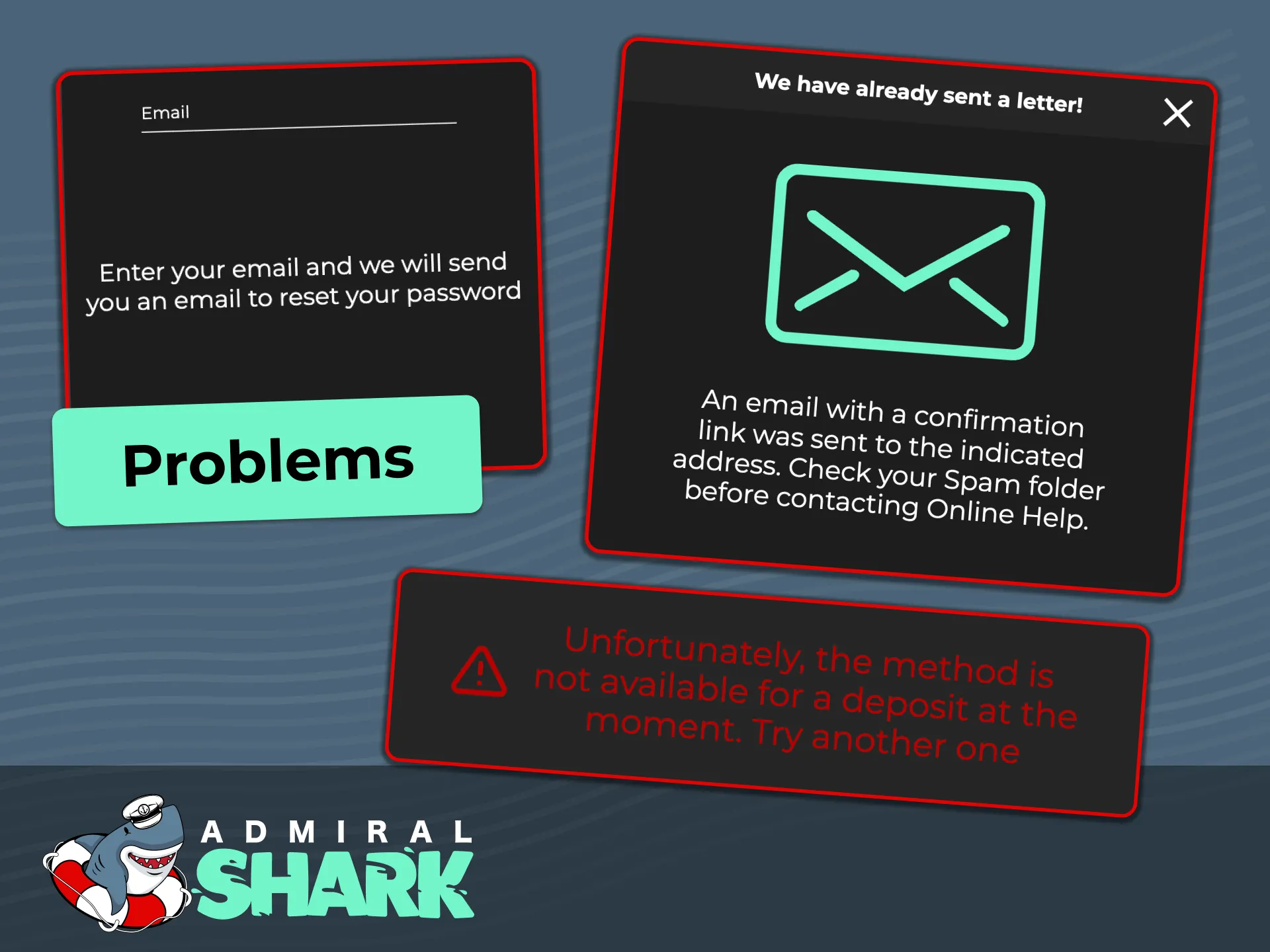
Common registration problems and fixes
Most issues can be solved in a few steps. If you are stuck, contact customer support for help.
- Email code not received | Check spam, whitelist the sender, request a new code, or try SMS verification.
- Address not accepted | Enter your full UK postcode using the correct format; upload a recent bill or statement.
- Card declined | Use a payment method in your name; ask your bank if gambling payments are allowed; try another method.
- Age check failed | Upload clearer photos, ensure details match your ID, and remove glare or blur.
- Account already exists | Use password recovery; if you cannot access it, contact support to review duplicates.
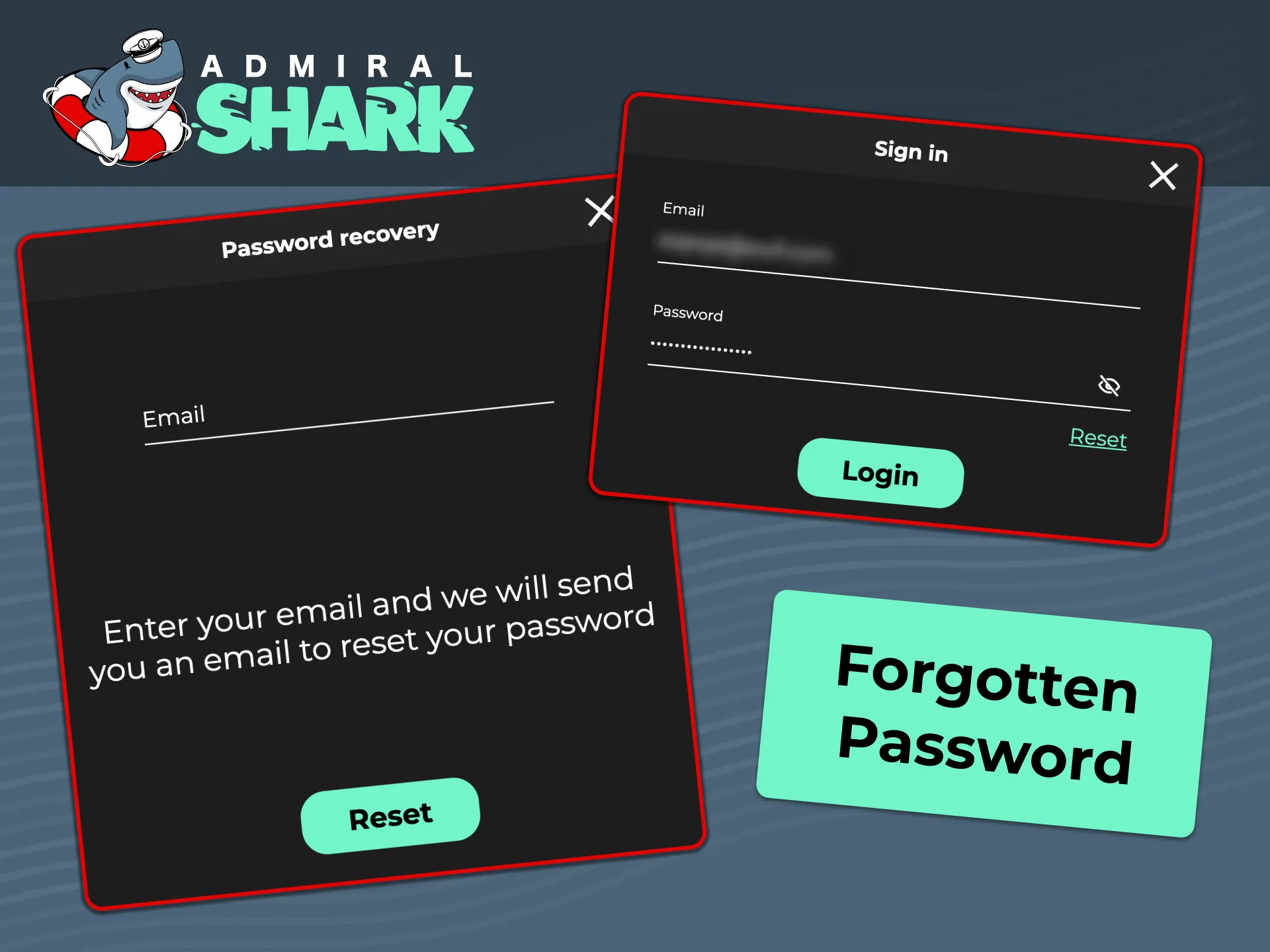
Forgotten password: recover access
You can reset your password in a few steps. Keep your email or mobile to hand to verify your identity.
- Select Forgot password on the sign in page.
- Choose email or SMS reset and enter your registered details.
- Enter the security code you receive.
- Set a new, strong password and save changes.
- Log back in and re-enable 2FA if you use it.
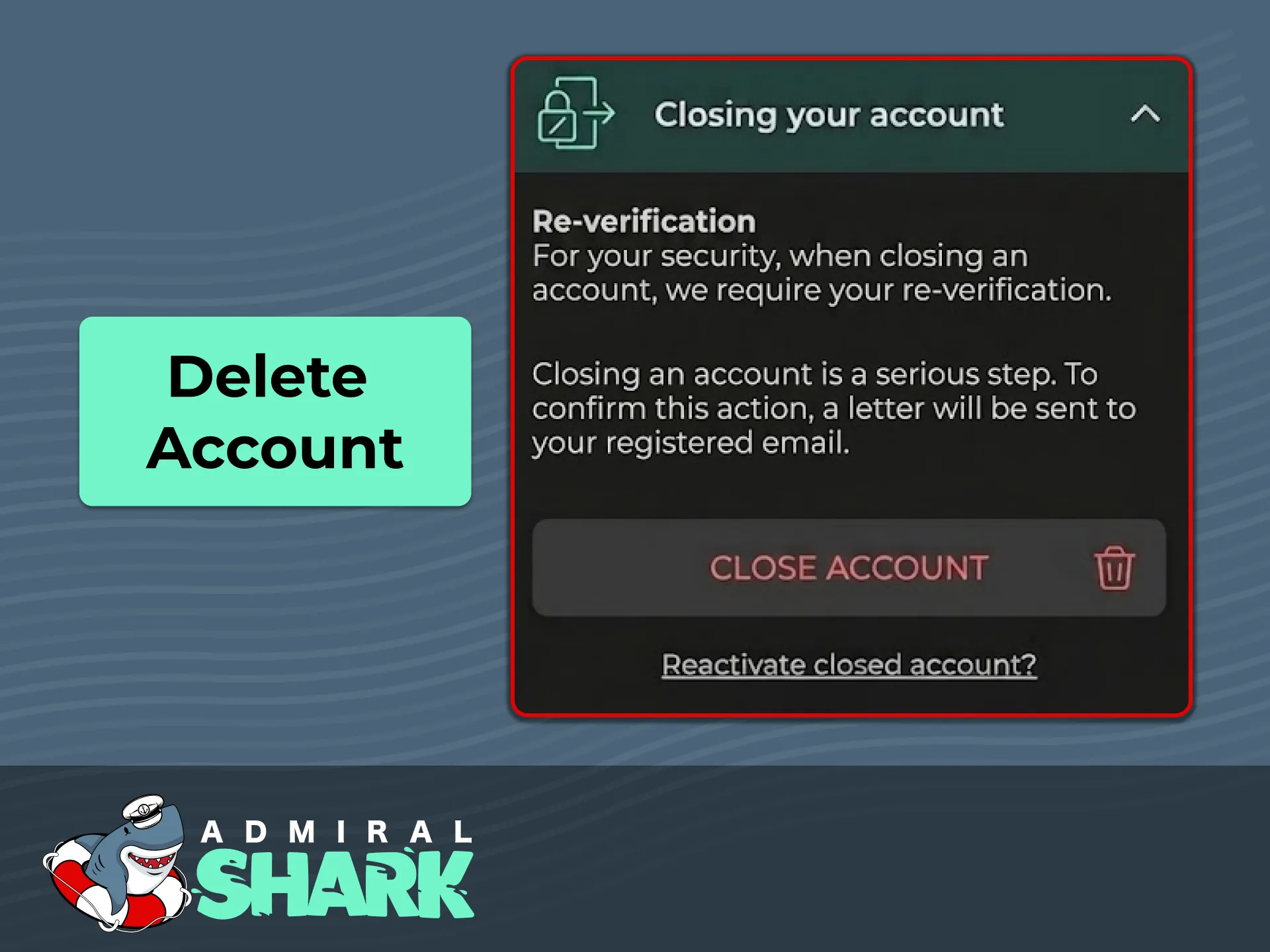
Close or delete your account
You can delete your account if you no longer wish to gamble, or if you want stronger controls. Consider time-out or self-exclusion options if you need a break.
- Go to Account settings and open Responsible Gambling or Account closure.
- Choose time-out, self-exclusion, or permanent closure and confirm your identity.
- Submit the request; you will receive confirmation when the account is closed. Remaining balances are handled according to the terms.
FAQ
Gambling is for adults only. Please play responsibly at BeGambleAware.org.
Do I need to verify before I can deposit or bet?
You may be asked to verify before any gambling. Verification is required before withdrawals.
What documents are accepted for KYC?
Passport, UK driving licence or national ID for identity; recent utility bill, bank statement or council tax for address; card photo or bank/e-wallet proof for payments.
How long does verification take?
Digital checks can complete in minutes once images are clear. Manual reviews may take longer; you will be notified in your account.
Can I change my email or address later?
Yes. Update details in Account settings; you may be asked for fresh proof of address when you change it.
Can I use a VPN to access the site?
No. VPNs or proxies are not allowed. You must be in the United Kingdom to place real-money bets or play.
Updated:
Comments